FOUNDING MEMBER PRICING — LOCKED IN FOREVER · FROM $29

Plan your wedding the modern way

Talk. It's
planned.

TheWedKit is the wedding planner you run with your voice. Budget, guests, vendors, seating and RSVP — in one place, updated the second you say the sentence out loud.

  • One payment — yours forever, no subscription
  • Budget, guests, seating & smart RSVP
  • Add a guest or log a payment by voice
START PLANNING

Budget

$24,500 / $40,000

PhotographerBooked ✓

$5,000 · deposit $500 paid

FloristQuote

$2,800 estimate

✓ Updated from your voice

"We booked the photographer for five thousand, put down a five hundred deposit."

Voice-first planning//Smart RSVP//One payment · forever//Seating from a sketch// Voice-first planning//Smart RSVP//One payment · forever//Seating from a sketch//

The one thing nobody else has

One sentence.
Three sections.

Press the mic and speak the way you'd text a friend. TheWedKit shows you exactly what it understood and what will change — nothing saves until you tap to confirm.

"Book the DJ for $1,200, deposit paid."

Budget

−$1,200 logged, $200 deposit paid

Vendors

DJ moved to "Booked"

Checklist

"Find a DJ" checked off

Sound familiar?

Two years of chaos, one screen.

01

"I lost track of who I invited."

One guest screen: who replied, who didn't, and a button to remind everyone at once.

02

"How much did we pay the florist?"

Every category shows budget, paid, remaining and the full payment history.

03

"Seating is a nightmare."

Photograph the sketch on a napkin — TheWedKit reads the tables and lays out the floor plan.

04

"Who had the allergy again?"

Export the full guest list with every meal choice and allergy in one PDF.

05

"Photos are in ten chats."

One shared album: the link rides along with the invite and lives on a QR code at the tables.

06

"The day will fall apart."

A command center: minute-by-minute timeline, live countdown, every vendor's number.

Why it's different

Not a spreadsheet
in a pretty cover.

01

Voice instead of forms

Add a guest, log a payment, set a task, mark an allergy — in any section, out loud. Nothing saves until you confirm, so you always see what's about to change.

02

One source of truth

Budget, vendors and checklist are linked. Pay a vendor and they turn "booked," the task closes, the totals recalculate. Never "paid" here and "still to find" there.

03

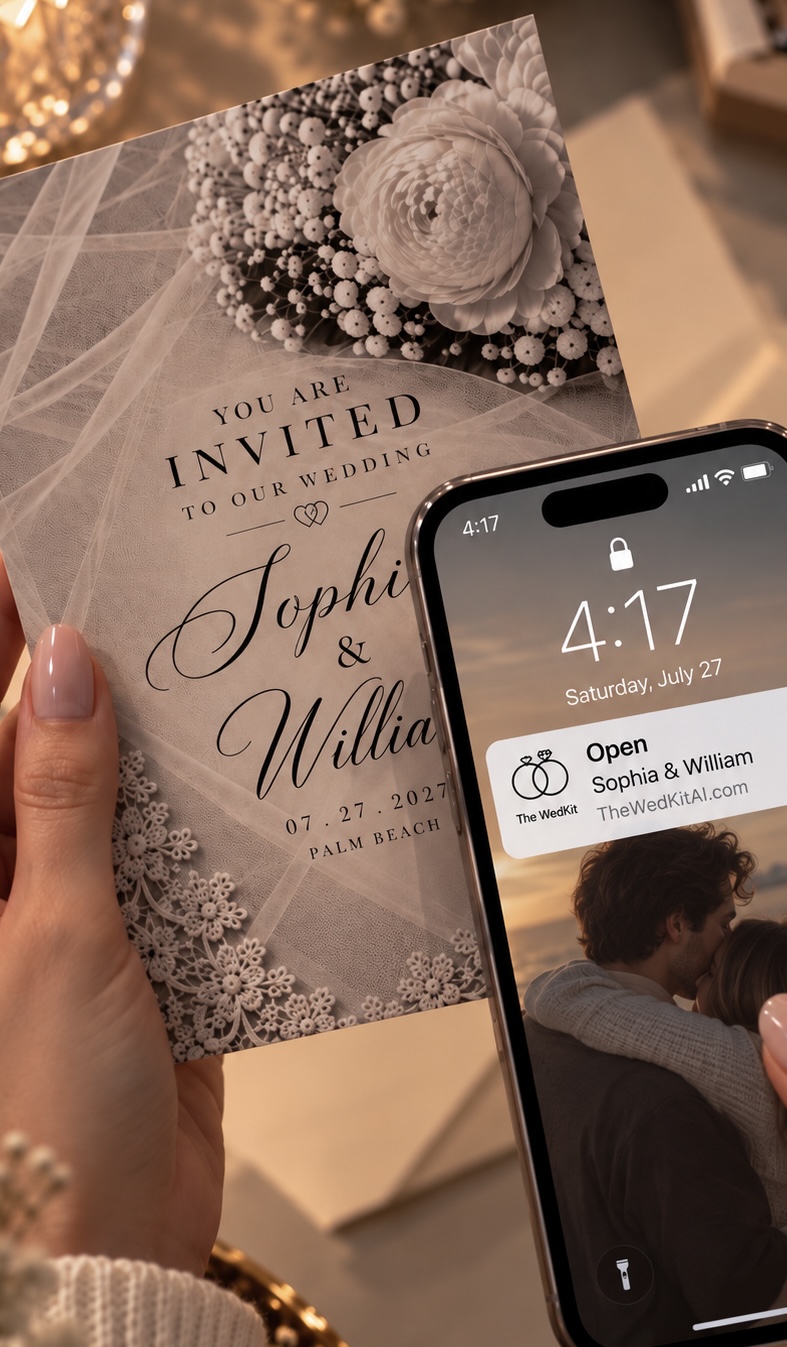
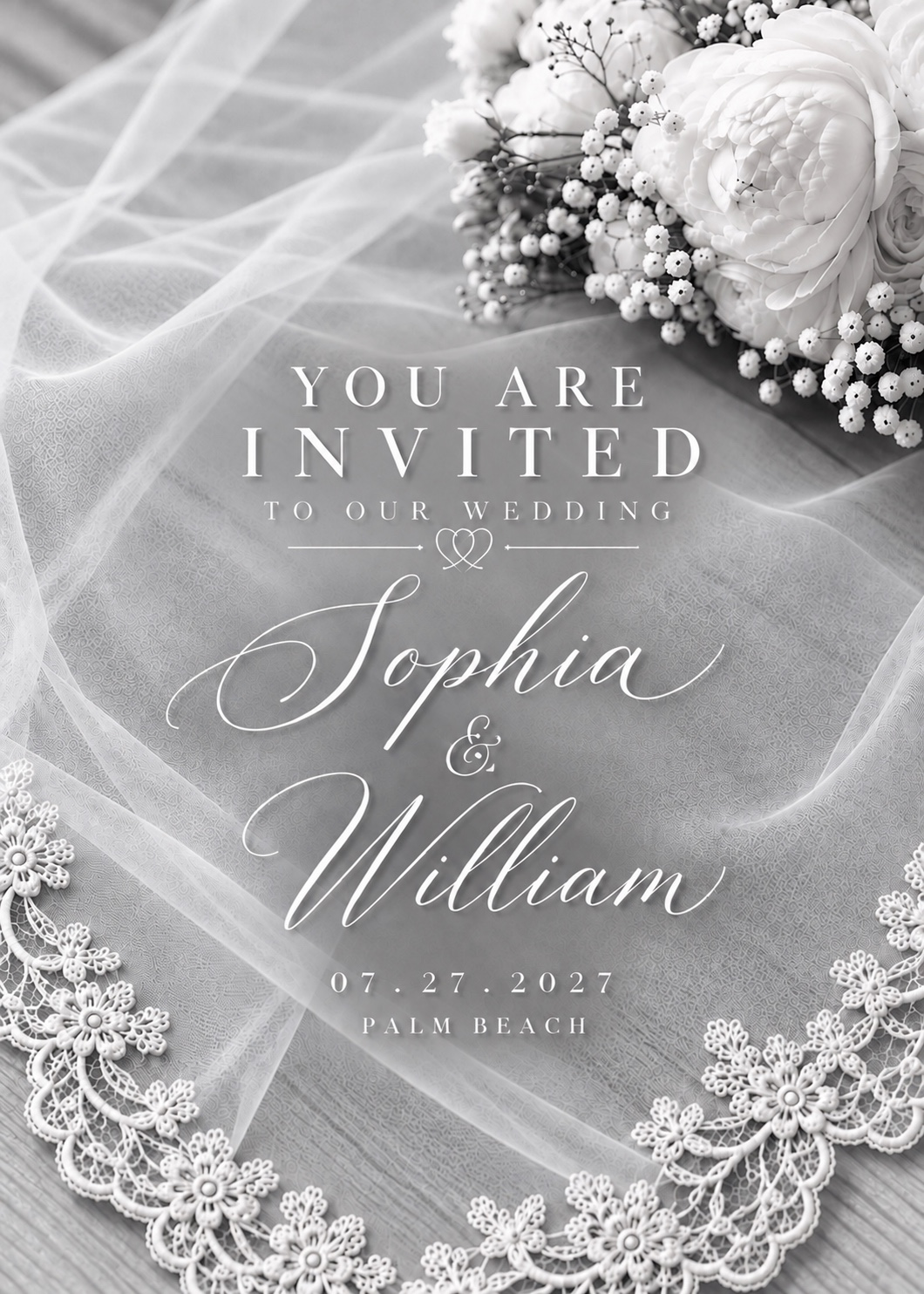
Guests see something beautiful

Not a Google Form — a real invitation page with animation, a countdown, and a two-tap reply. Choose one of two themes: a soft nude or a dark luxe look.

04

One shared wedding album

Paste your album link once — Google Photos, Dropbox, iCloud. It shows up for guests after they reply, on the guest page, and on a QR code you print for the tables.

What's inside

Engaged to
the last dance.

Start

Say your date, venue and rough headcount in one sentence. TheWedKit splits the budget into categories, sets up vendors, and drops in a checklist sized to the time you have left.

Planning

A budget with a payment schedule and deadline reminders. Vendors with statuses, phone numbers and contracts. A checklist by phase — "12 months out," "6 months out." Notes and files in one place.

Guests

Import from a spreadsheet, send invites by email from you. Guests reply on their own page: coming or not, plus-one, kids, meal choice, allergies. Every plus-one and child becomes its own guest in seating and headcounts automatically.

Seating

Upload the venue floor plan — or photograph a hand-drawn sketch and let TheWedKit place the tables on the canvas for you. Auto-seating, conflict checks, and a QR code so guests find their table at the door.

The day

A minute-by-minute schedule, a day-of checklist, a live countdown, guest check-in with a running headcount, every vendor's number on one screen, and an emergency broadcast button.

Where we're stronger

You're the
customer.

Not the product being sold to vendors.

The Knot, Zola

Free — they earn from vendors and registries.

We don't sell your attention. No ads, no pushed vendors, no partner emails.

Joy, Appy Couple

A pretty wedding site and RSVP.

They give guests a storefront. We add the whole back office: budget, payments, seating, day-of.

Sheets, Notion

Free, but everything by hand.

Voice input, automatic links between sections, ready-made checklists, print-ready PDFs.

A coordinator

$1,500 to $5,000+.

$29–149, once. It won't replace a person on the day, but it handles the planning.

Three plans, paid once

Pay once.
Yours forever.

Founding Member pricing, locked in forever. Upgrade anytime by paying just the difference.

Essential

$29$59

Just getting started. Budget, guests, vendors, checklist. 9 features.

  • Voice input in every section
  • Budget planner & payment reminders
  • Guest list
  • Vendor manager
  • Timeline & checklist
  • Progress dashboard, notes & docs
CHOOSE ESSENTIAL
Popular

Premium

$79$149

Everything for guests: invites, RSVP, menus, the day. 21 features.

  • Everything in Essential
  • RSVP tracking
  • Invitation templates & email sending
  • Meal preferences & allergies
  • Wedding-day checklist
  • Print & mail invitations, gift registry
  • Shared photo album link
CHOOSE PREMIUM

Luxury

$149$249

Seating, check-in, print materials, embosser. All 28 features.

  • Everything in Premium
  • Seating planner (from a sketch)
  • Guest check-in at the door
  • Printable seating chart
  • Guest QR codes
  • Printable materials & embosser
  • Priority support
CHOOSE LUXURY

Founding Member pricing is a real, permanent discount — it goes up after launch.

What your guests get

A page they'll screenshot.

Guests open a real page with a countdown to the day and reply in two taps. Right after they respond, they get a button to add the wedding to their calendar, find their table, and open the shared photo album.

Nude theme Dark luxe theme

Together with their families

Emma & James

June 14, 2027 · Napa Valley

128

days

06

hrs

42

min

RSVP

Together with their families

Emma & James

June 14, 2027 · Napa Valley

128

days

06

hrs

42

min

RSVP

Good to know

Questions couples ask.

Is it an app I download?+

It's a web app — it opens by link in your browser and you can add it to your phone's home screen so it feels like an app. Works best on your phone.

One-time, or a subscription?+

One payment. You keep access all the way to your wedding — no recurring fees. Want more later? Upgrade by paying only the price difference.

How do invitations go out?+

Email invitations are sent for you from your account. For texts, TheWedKit writes the message and opens it so you send it from your own phone, one guest at a time.

Do you find or pay vendors?+

No — TheWedKit keeps the records. It tracks your vendors, budgets and payments, but it doesn't book vendors or move money on your behalf.

Can I print things for the venue?+

Yes. Export any section to a PDF with every column — guest lists, seating charts, day-of schedules — ready to print and hand off.

Say the
sentence.

We'll handle the rest. One payment, yours until the big day.

GET LIFETIME ACCESS — FROM $29